Power
Use the Power menu to view the various camera power status indicators.
WARNING: AUX power outputs are only active when using a 19.5 to 34 V DC-IN source, or a high voltage battery such as a 24-volt, 26-volt, or 28-volt V-Lock or Gold Mount battery.


The Power indicators you can view include:
|
Item |
Details |
|---|---|
|
DC-IN Voltage |
When DC is connected, this displays the DC Voltage |
|
DC-IN Amperage |
When DC is connected, this displays the DC Amps |
|
BAT Voltage |
When a battery is connected, this displays the battery Voltage |
|
BAT % Remaining |
When a compatible battery is connected, this displays the % of battery charge remaining |
|
BAT Time Remaining |
When a battery is connected, this displays the camera operating time remaining |
|
BAT Amperage |
When a battery is connected, this displays the battery Amps |
|
Low Voltage Warning (14V) |
Set the 14 V battery low voltage warning threshold |
|
Low Voltage Warning (26V) |
Set the 26 V battery low voltage warning threshold |
|
TC Power Out |
Enable or disable the Timecode port output power |
|
AUX-1 |
Enable or disable the AUX-1 port output power |
|
AUX-1 Amperage |
Displays the current used by AUX-1 |
|
AUX-2 |
Enable or disable the AUX-2 port output power |
|
AUX-2 Amperage |
Displays the current used by AUX-2 |
|
AUX-3 |
Enable or disable the AUX-2 port output power |
|
AUX-3 Amperage |
Displays the current used by AUX-2 |
|
24V RS |
Enable or disable the 24 V RS port output power |
|
24V RS Amperage |
Displays the current used by 24 V RS |
|
P-TAP |
Enable or disable the P-Tap port output power |
|
P-TAP Amperage |
Displays the current used by P-Tap |
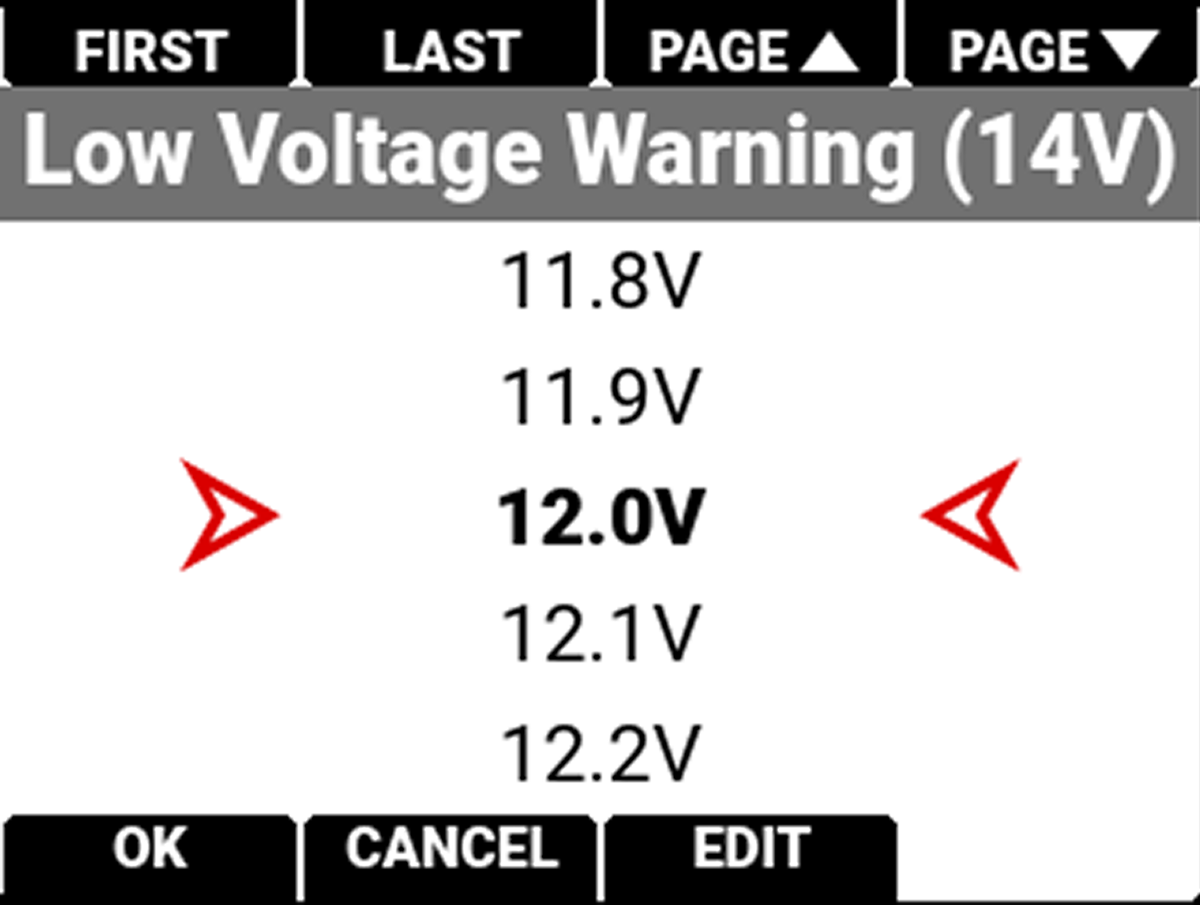
Low Voltage Warning (14V)
Use Low Voltage Warning (14V) to set the desired voltage level to trigger the low voltage warning when using 14 V batteries. The warning displays on the Side LCD and across Overlay Modes that contain battery status (refer to the Status Bar section for more information about the status icons).
Low Voltage Warning (26V)
Use Low Voltage Warning (26V) to set the desired voltage level to trigger the low voltage warning when using 26 V batteries or DC-IN. Warning displays on Side LCD and across Overlay Modes that contain battery status (refer to the Status Bar section for more information about the status icons).

Auxiliary Power Breaker
The Auxiliary (AUX) power output ports are separately protected with a circuit breaker that resets automatically. The ports labeled with an amperage are each protected by a separate circuit and breaker. Accessories that trip a breaker can repeatedly power cycle each time the breaker resets.